At Instagram, 2017–2018 · Product designArchive · Interaction prototype & comment controls
My work at Instagram explored how people participate in the feed and control the conversations around their posts. This interaction exploration brings commenting into the feed: watch the comment field appear beneath a post.
0:00−0:00
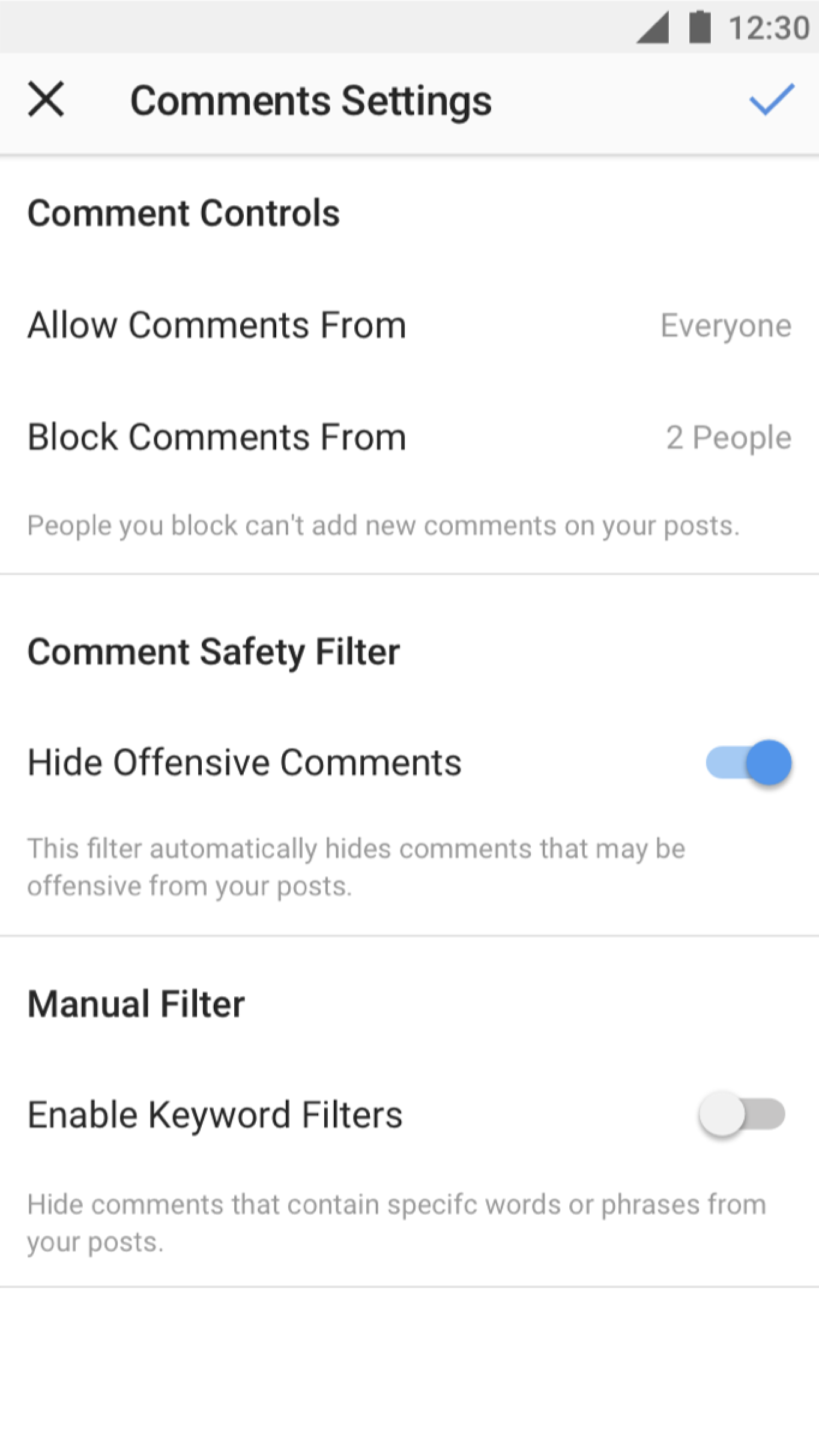
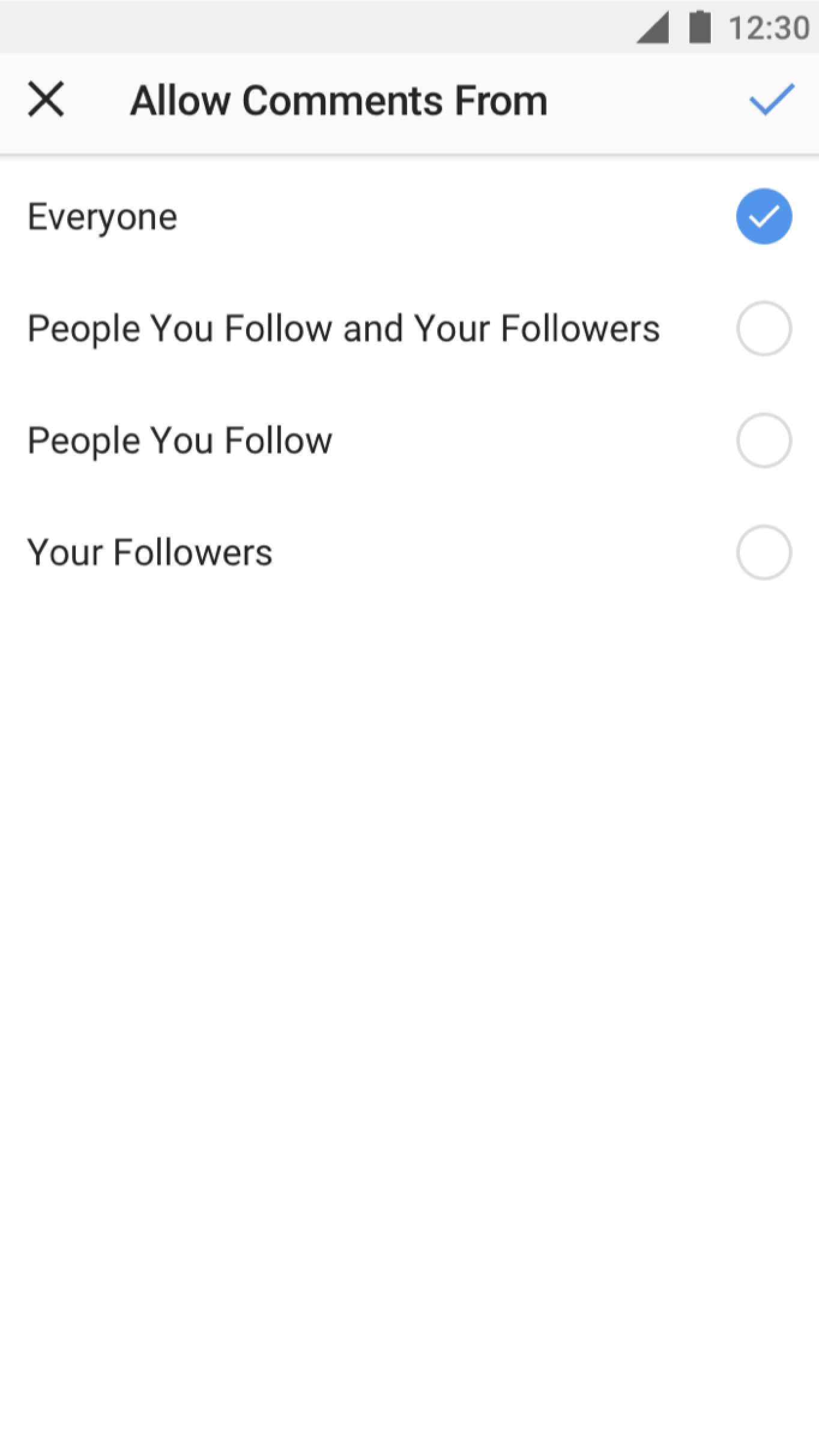
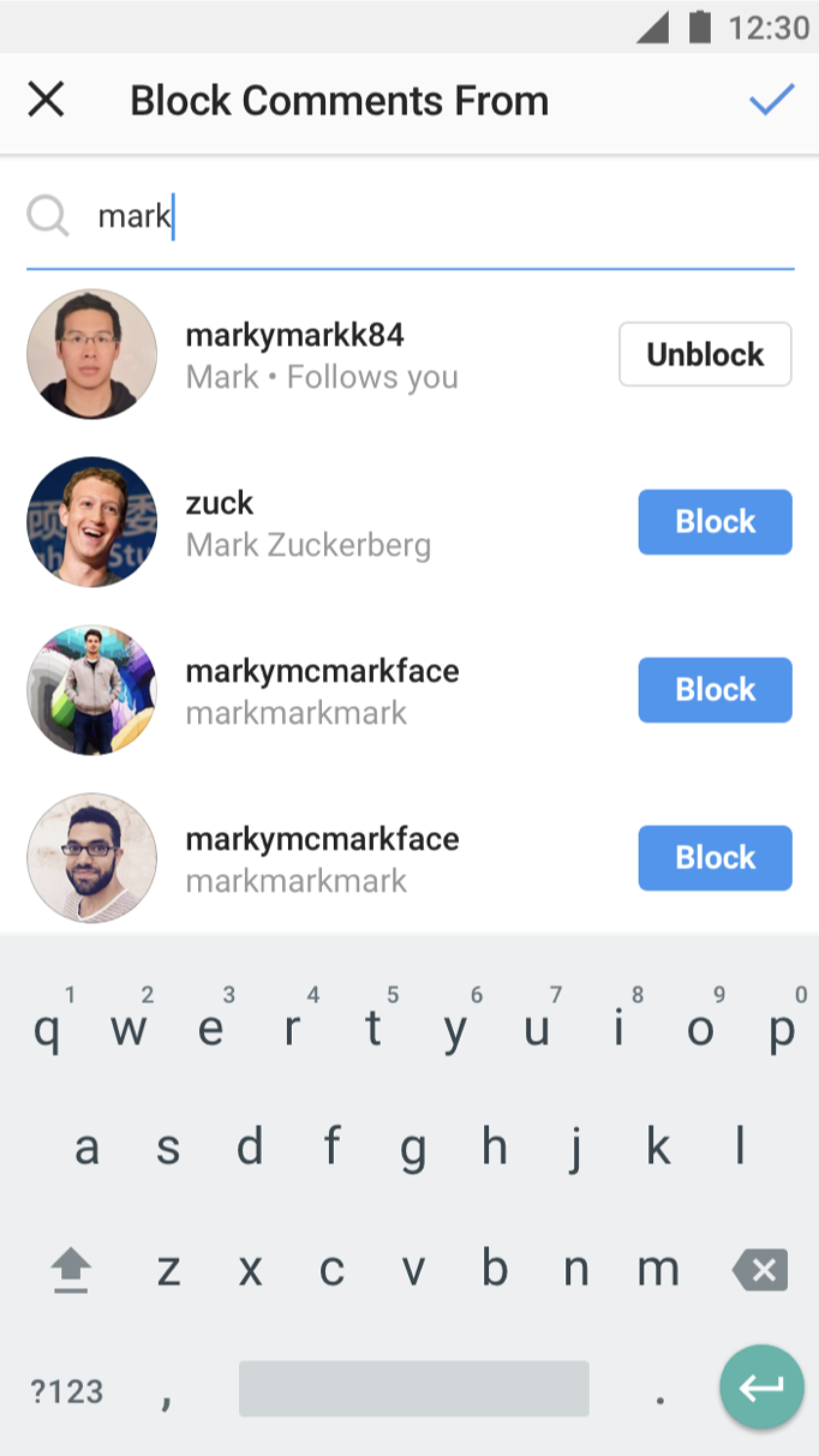
I also worked on comment controls. These screens separate three choices: what to filter, who can comment, and which accounts to block from commenting.